


Joel Telling is one of the best-known creators on YouTube. What many people don’t realize, however, is that the creator of the 3D Printing Nerd channel also runs his own 3D print farm, where he claims to have completed as many as 3735 production jobs since April this year.
The farm consists of multiple 3D printer models from different manufacturers, all managed by software that Telling wrote himself.
And he released it for free under an open-source license.
The code is available on GitHub under the MIT License, allowing anyone to clone, modify, and improve it.
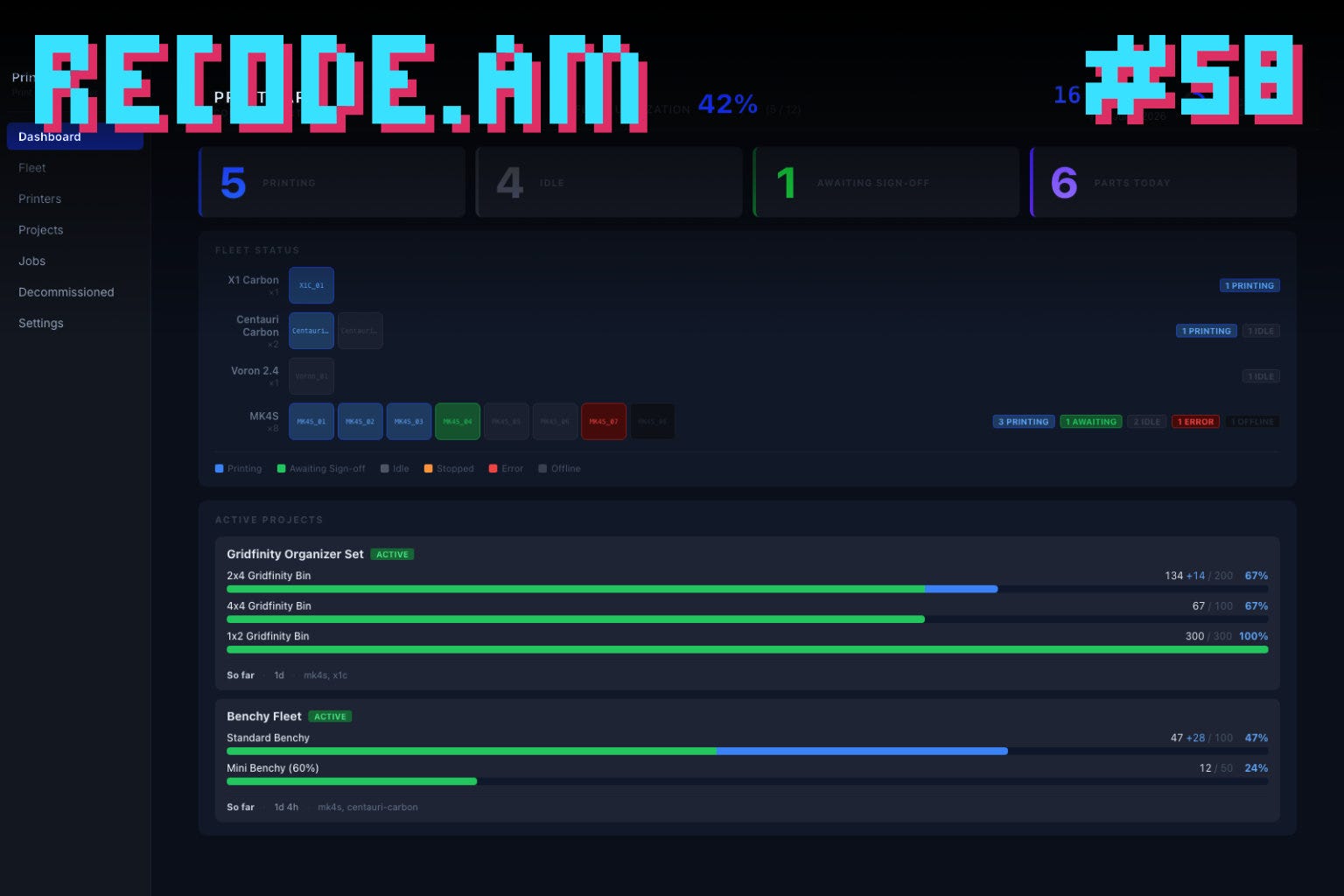
Called Print Farm Manager (not the most original name) the software is a self-hosted web application designed to manage print farms built from printers made by different manufacturers. It provides a single dashboard showing every machine, its status, and print progress.
The reason Telling decided to write it was simple: existing tools didn’t fit his printer fleet.
Prusa Connect couldn’t do what he needed. Bambu Lab has its own farm management software. Other printers basically have none. What Telling wanted was a single interface that worked across multiple brands, with one goal in mind: maximize the farm’s throughput without drowning in manual bookkeeping.
Previously, his workflow looked like that of most small print farms. The operator copied files to USB drives, loaded them onto printers one by one, and manually tracked how many parts had been produced.
Print Farm Manager automates all of that. The central dashboard distributes G-code files to available printers while automatically tracking production counts.
At the heart of the system is its production model. A project consists of parts, each with a required quantity. Those quantities are fulfilled by assigning G-code files across multiple printers. The operator simply tells the software what needs to be produced and how many pieces are required. The software decides which printers should do the work.
One feature that even YouTube viewers highlighted in the comments is support for multiple G-code files per part, each prepared for a different printer model.
If a production run requires 50 chassis, the application automatically combines whatever compatible printers are available - in Telling’s case, Prusa MK4S and Core One machines, to complete the order. Adding another printer model is as simple as attaching another G-code file for that machine.
The dashboard can simultaneously manage printers from several manufacturers, including Prusa printers through PrusaLink, Elegoo Centauri Carbon and Carbon 2 machines, Bambu Lab printers with AMS support, Klipper-based printers and Vorons via Moonraker, as well as anything running OctoPrint.
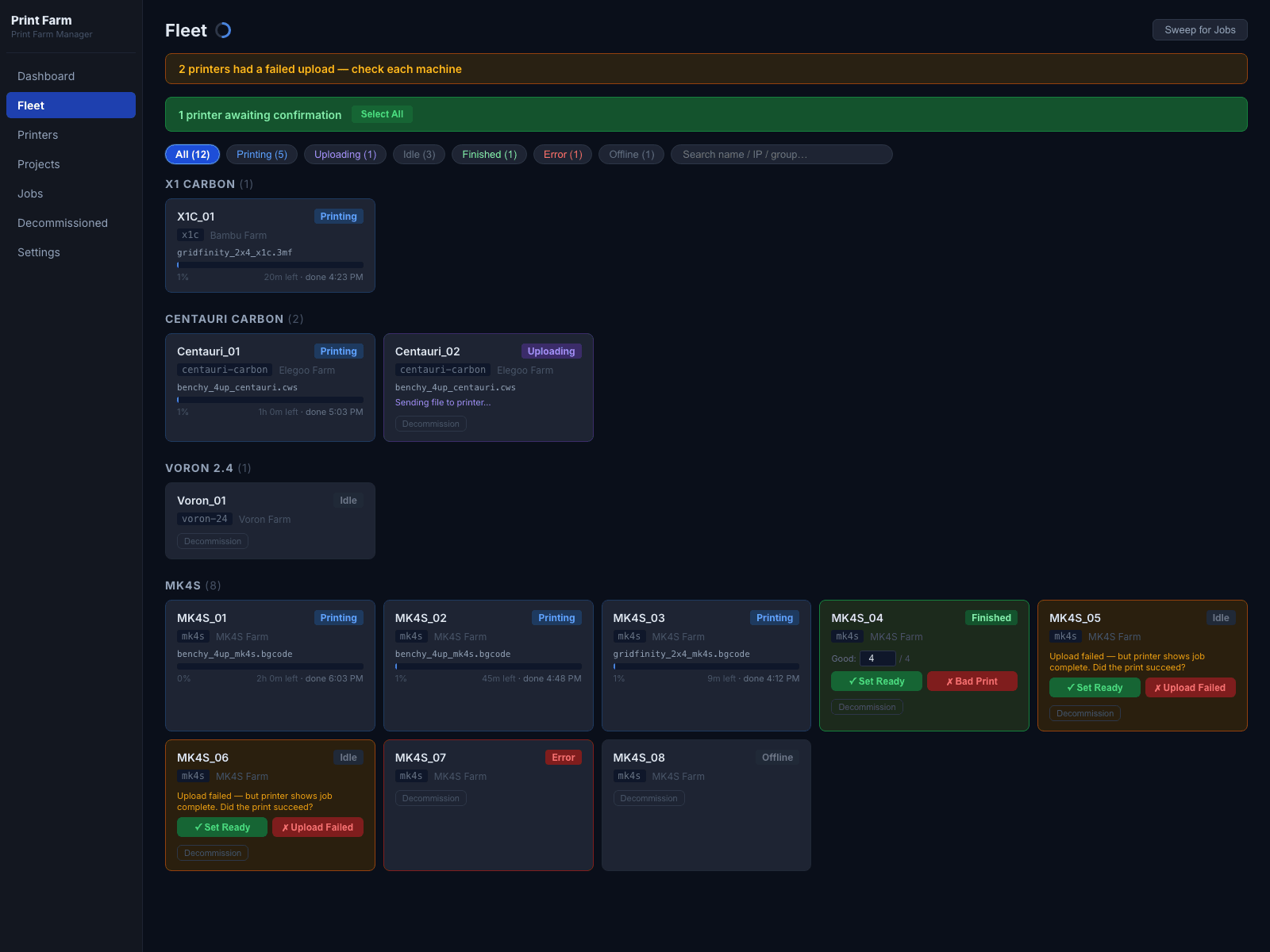
Job completion is handled deliberately. The application assumes a print has succeeded but never confirms it automatically.
Instead, a human operator does. Clicking the green “Set Ready” button marks a successful print, while the red “Bad Print” button immediately sends the machine into a decommissioning workflow. Every completed part is confirmed by the operator.
The rest of the software focuses on the day-to-day realities of running a print farm.
Status colors indicate whether a completed print is waiting for removal, a print is currently running, or a machine requires attention, typically because it has run out of filament.
Additional features include filtering by material and color, grouping printers by shelves or rows, tracking partial production runs such as “24 out of 25 completed,” importing up to 50 printers from a CSV file, a TV dashboard for workshop displays, and backing up the entire farm into a single JSON file.
Print jobs are uploaded five at a time because, according to Telling, Prusa’s networking can become unstable when too many simultaneous transfers occur.
The software is clearly being used in real production.
One machine named Applejack had already completed 71 jobs, produced 257 parts, and maintained a 96% success rate over 311 printing hours since early April.
Telling is very clear about who he built the software for.
It runs entirely locally, requires no cloud services, no user accounts, and no subscription fees.
His target user is the hobbyist with two or three printers in a garage – eg. a Prusa MK4, a Bambu P1S, and an A1 - who wants to turn that setup into a real manufacturing operation using free software.
Print Farm Manager is a solid, thoughtfully designed tool. It doesn’t claim to revolutionize print farm management, and Telling himself makes no such promises.
Its real value becomes obvious when looking at how small mixed-brand print farms actually operate. People buy printers from different manufacturers because each excels at different tasks. A large-format Prusa XL handles oversized flat parts, while faster Bambu machines are ideal for smaller components.
The problem is that every manufacturer provides software designed exclusively for its own hardware. Telling tries to solve this with a single unified dashboard.
Telling also openly acknowledges that users should approach the project with reasonable expectations. It remains a one-person project, tested primarily in his own production environment, so rough edges are inevitable.
He admits that data visualization is still a work in progress, while future plans include automatic STL and 3MF plate arrangement as well as maintenance reminders based on accumulated print hours.
There is also one important warning in the repository documentation.
The application includes no authentication whatsoever and is intended to run only on a trusted local network. Since it stores printer API keys, exposing the server directly to the internet would create a serious security risk.
Ironically, these characteristics are exactly what many of its intended users are looking for.
The code is open, multi-brand, and easy to customize.
Anyone who enjoys tinkering with their own print farm gets a foundation they can modify, extend, and adapt to their own workflow.