

PunchForm: a free app that applies a different texture to every face of a model
It runs in a browser, offers around a hundred textures, and eliminates the export-reimport cycle every time you want to add another texture

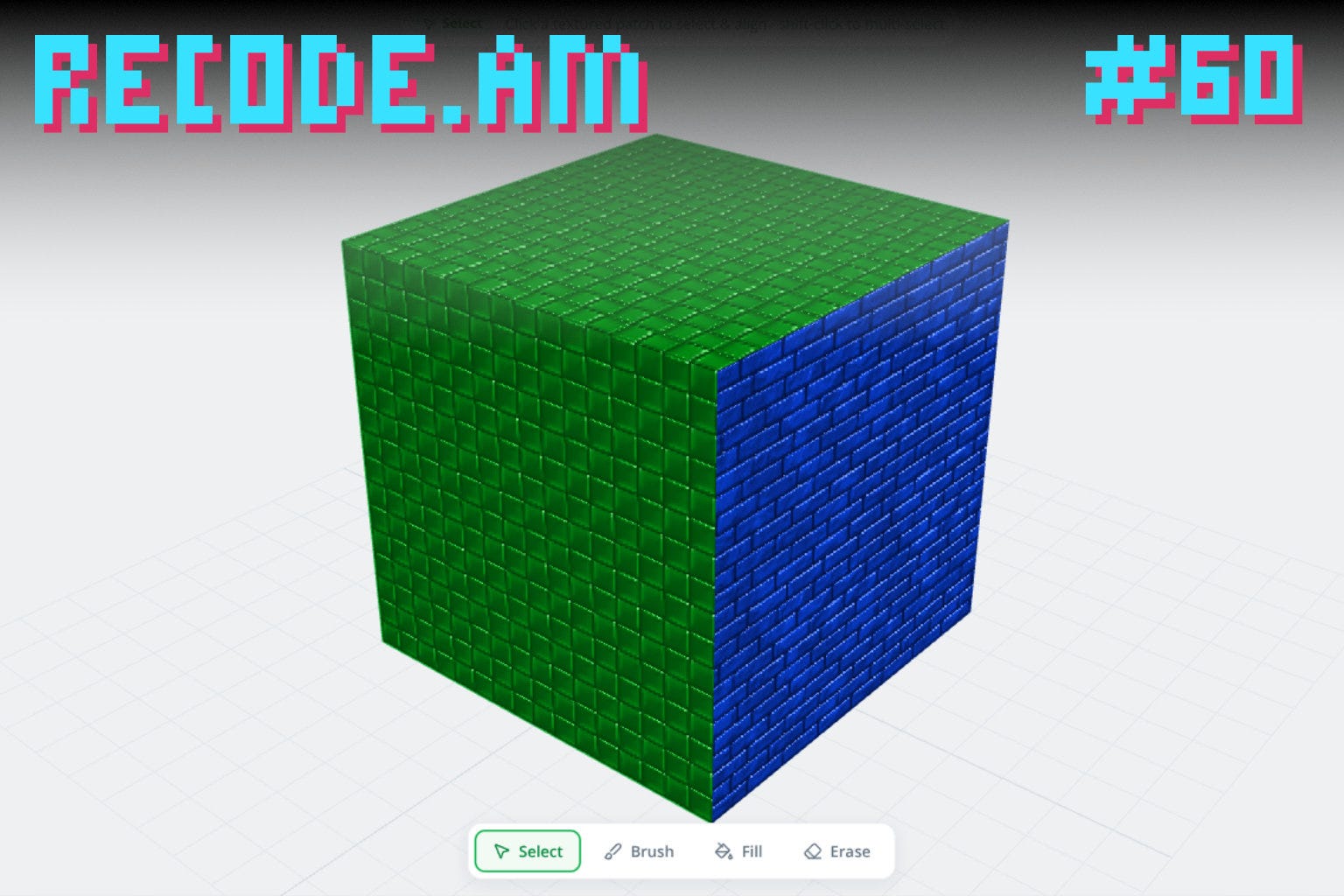
Creating a texture on 3D model isn’t an easy task...
Parametric CAD won’t do this. Blender can, but it comes with its own language, its own logic, and UV unwrapping kills motivation faster than the tutorial finishes.
In April, well-known content creator Stefan Hermann (CNC Kitchen) addressed this problem by creating BumpMesh App, and making this browser-based tool available for free.

Now a second app from the same family has joined it.
PunchForm was created by Ozarkexpeditions, a MakerWorld model designer with a background in design and software engineering.
The app is free, open-source, runs entirely in a browser window, and provides roughly 100 ready-made textures.
And it has a feature everyone needed most: a separate texture for each surface of the model within a single session.
Brick on one wall, plaster on another, a smooth engraving area on a third. One file, one output to the slicer.
In practice, that one capability changes what a surface means in a project.
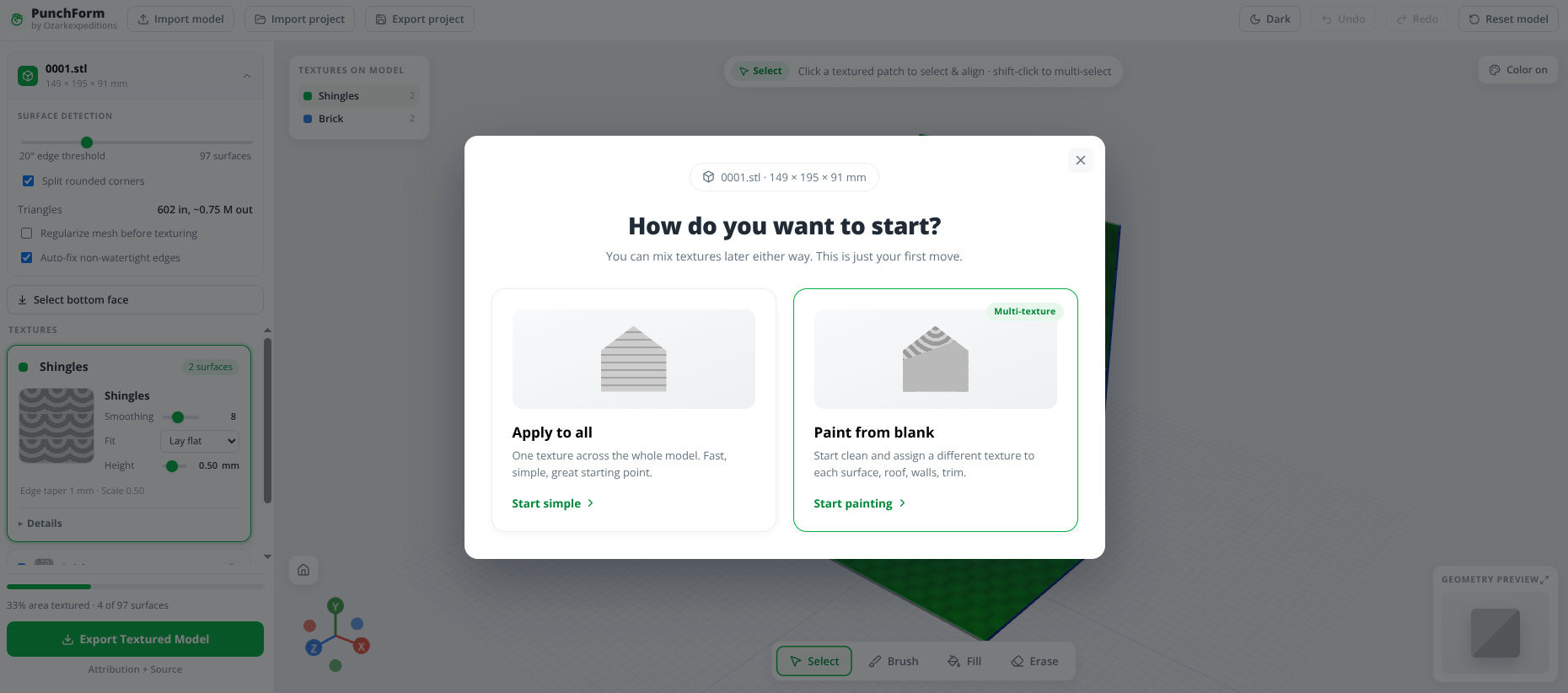
PunchForm’s geometry engine comes from BumpMesh. What’s new is everything around it: the interface and the entire workflow for interacting with the model. Most of the texture library comes from ambientCG materials.
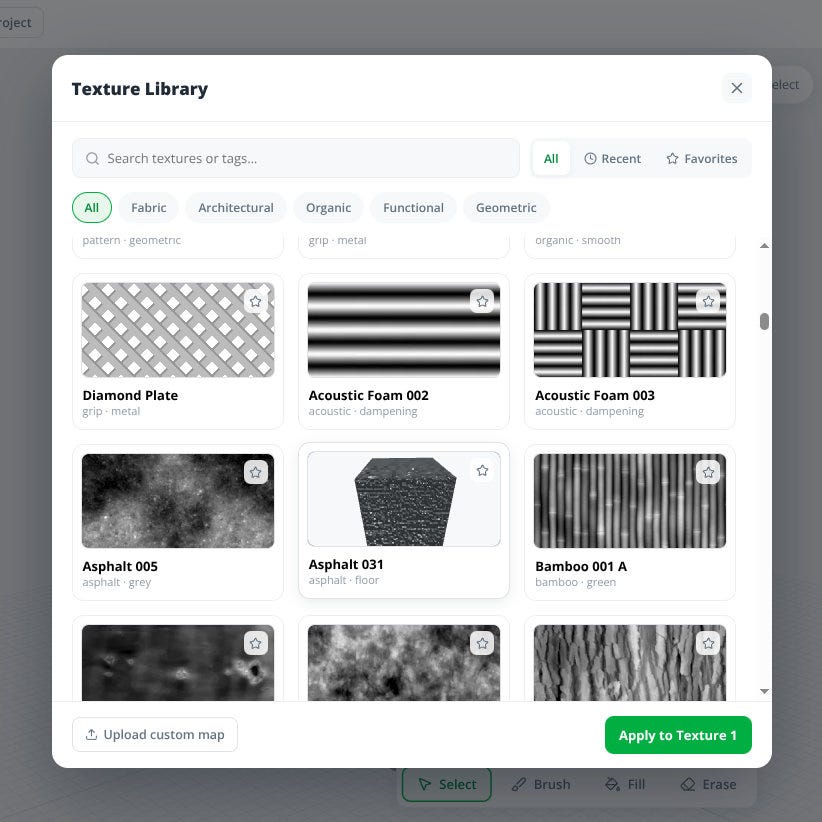
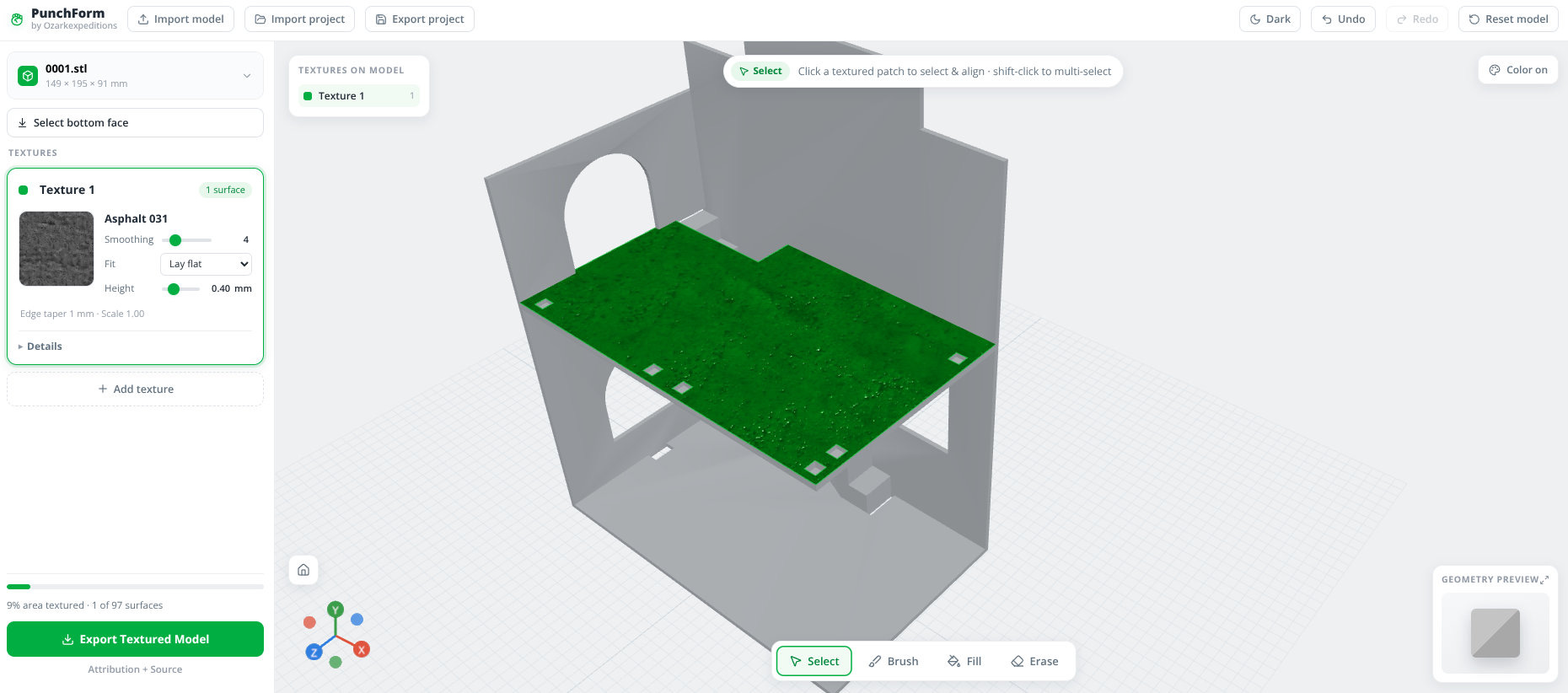
You drop in an STL, OBJ, or 3MF file. Pick a texture from the list, paint the area that should receive it with a brush, and see the result immediately in the preview. Then move on to the next surface and the next texture.
All processing happens locally inside the browser. The model never leaves your drive, and you can even self-host the application if you want.
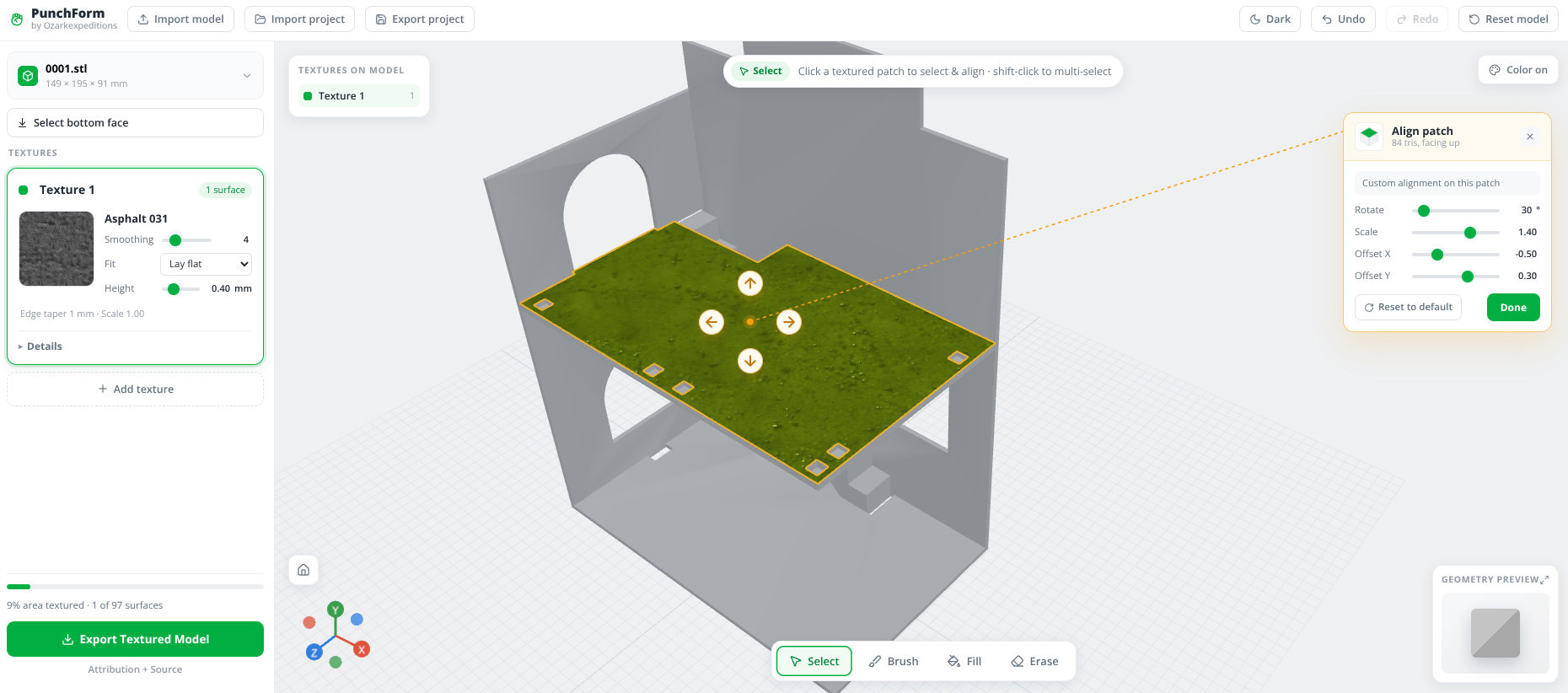
BumpMesh offered 24 patterns and one texture per cycle. Want a second texture? Export the STL, re-import it, apply the next texture, and export again. Hermann himself identified that loop as the tool’s main inconvenience.
PunchForm closes that loop in a single session, with a hundred textures available!
What is it useful for?
Trophies and awards: rough body, smooth area for engraving or a nameplate.
Architectural models: brick, plaster, roof tiles, and concrete on a single structure, each wall treated independently.
Tabletop and wargaming terrain: rock, wood planks, dirt, and sand without sculpting in Blender.
Handles and grips: knurling where you hold the object, smooth where you don’t.
Displays and promotional gadgets: textured background with a clean area for a client logo.
Lampshades and light diffusers: a pattern on the wall changes how light is scattered.
Molds and formwork: the texture is later transferred into concrete or resin.
The common denominator across that list is simple: in every one of those cases, a single texture across the entire object would be a compromise.
Texture in 3D printing is often treated as decoration applied at the very end. The ability to assign it separately to each wall moves it into the set of core design decisions, right alongside wall thickness and build orientation.
Because every surface has a different job.
Where you grip the object, knurling or a coarser grain helps. Where engraving, printing, or a label will go, you want a smooth finish. On the sides where seams meet and layer lines are visible, a fine texture hides both more effectively than almost any slicer setting. On the bottom, you usually want nothing at all, because bed adhesion matters more than appearance.
Stefan Hermann demonstrated something less obvious in his BumpMesh video: a properly chosen texture can actually improve the strength of a print.
The surface is therefore working on several levels at once, and PunchForm gives you control over that wall by wall.
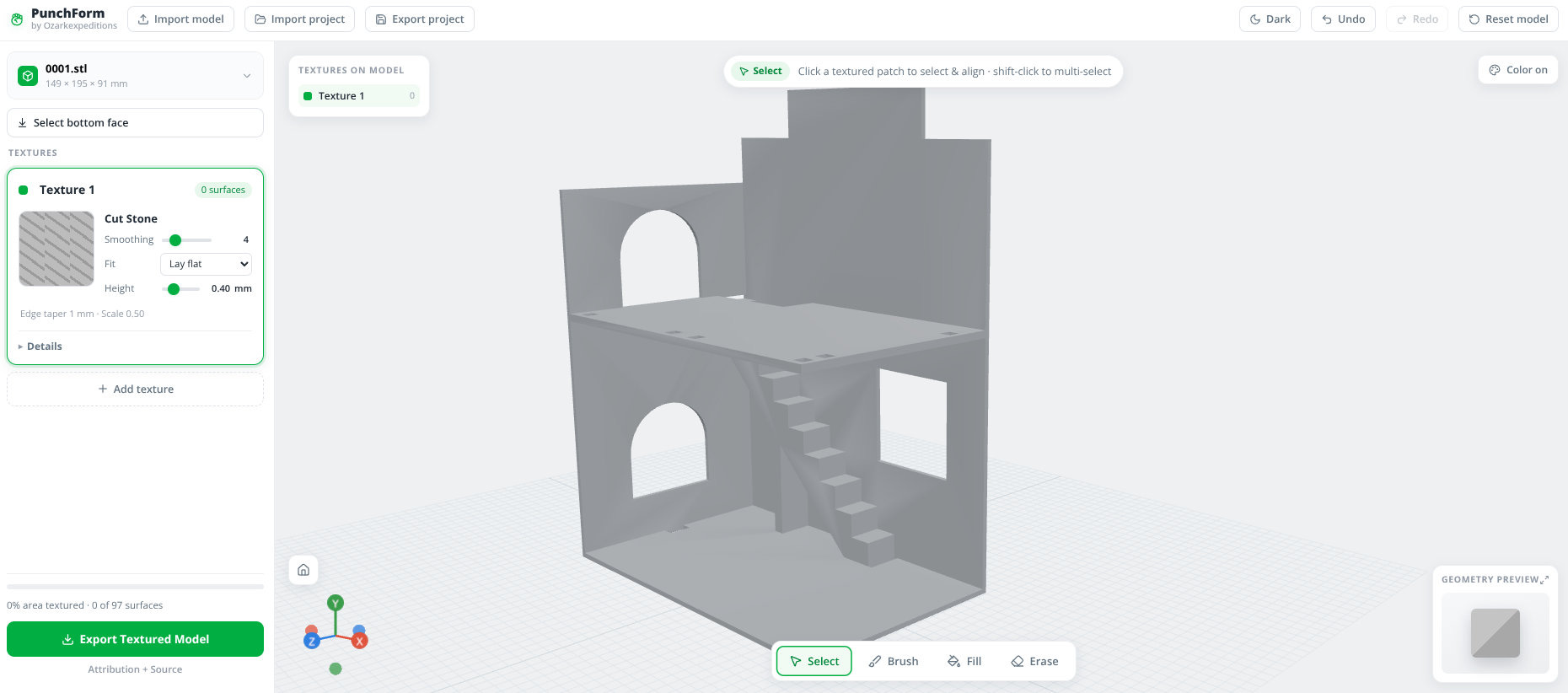
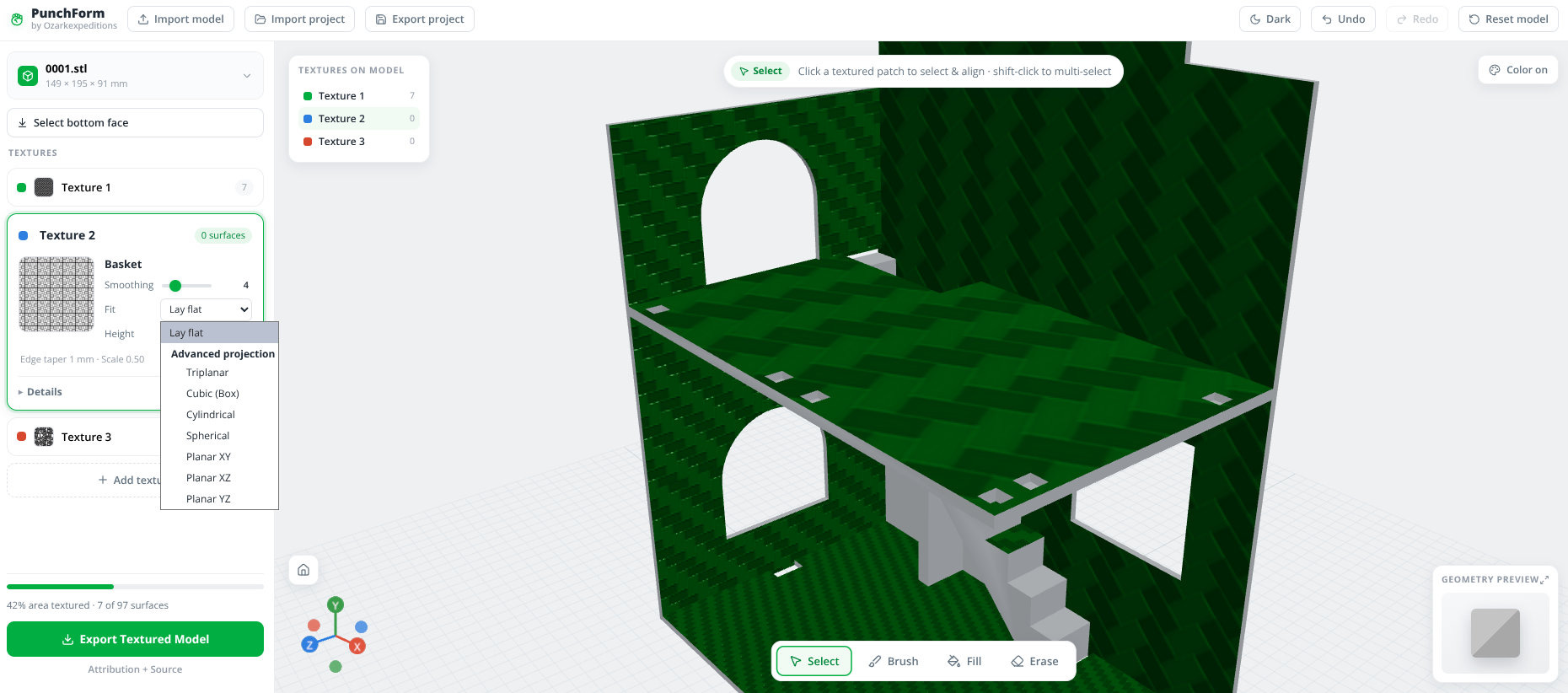
Working with the program is extremely intuitive, and honestly it’s hard to justify writing a tutorial for it. Everything feels smooth, with one minor issue I noticed: when rotating the model excessively and moving it around the screen to reach mesh recesses, the application occasionally jumps back to the start screen 😖
Fortunately, returning to the interrupted edit is available with a single button, so I’d call it annoying rather than disqualifying.