

Get an invoice
If you’re purchasing The 3D Printing Journal for your business, you can have the subscription invoiced to your company. Just add your company details and tax identification number during the payment process.
Here’s a step-by-step guide on how to do it.
How to add company details and VAT or EIN number?
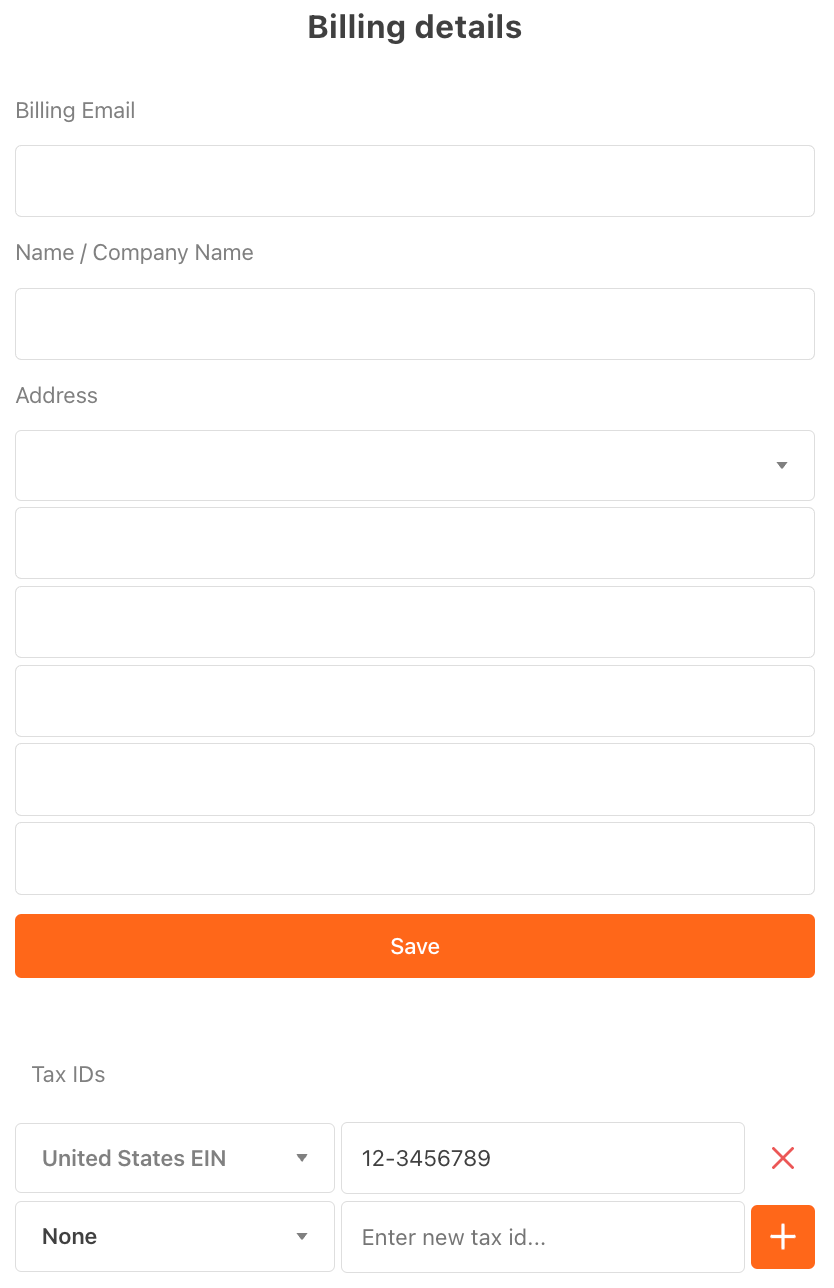
Before you pay anything, add company details and VAT or US EIN number on the invoice.
In Payment Information, click Edit next to your payment method.
Enter your company name and billing address.
Under the tax type, select European VAT and enter your VAT number or US EIN number.
Save your changes before completing your subscription purchase.
For EU businesses: adding a valid VAT number allows Stripe to apply the reverse charge mechanism where applicable, so it will appear correctly on your invoice.
If you experience any issues or have questions, please contact us at info@slusarczyk.am and we’ll be happy to help.
How to download a company invoice for your subscription?
Our subscriptions are managed through Substack, with payments processed securely by Stripe. You can download your invoice in just a few steps:
Sign in to your Substack account and go to substack.com/settings.
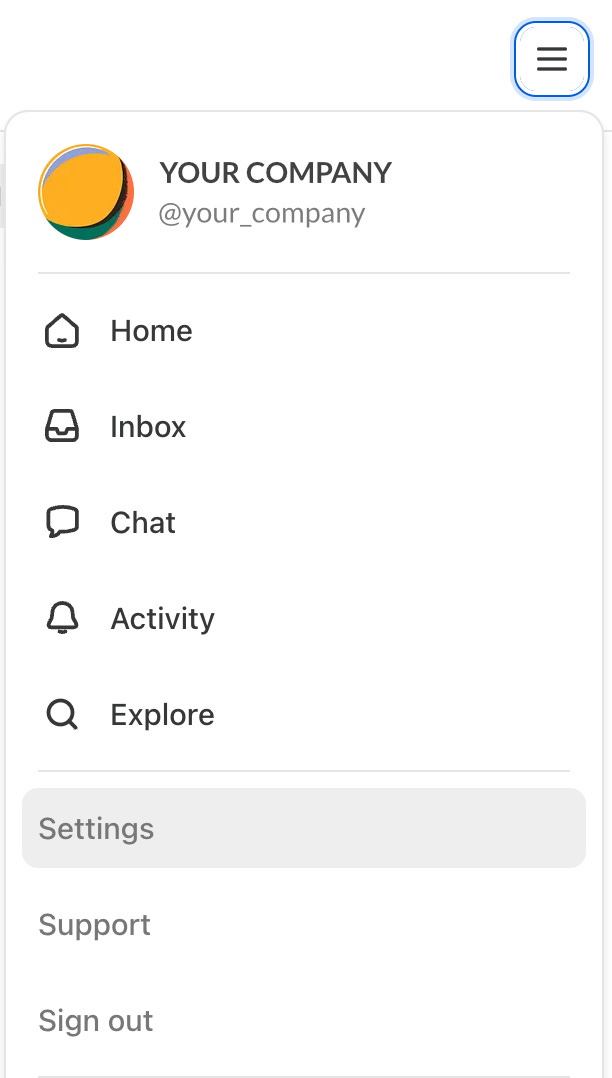
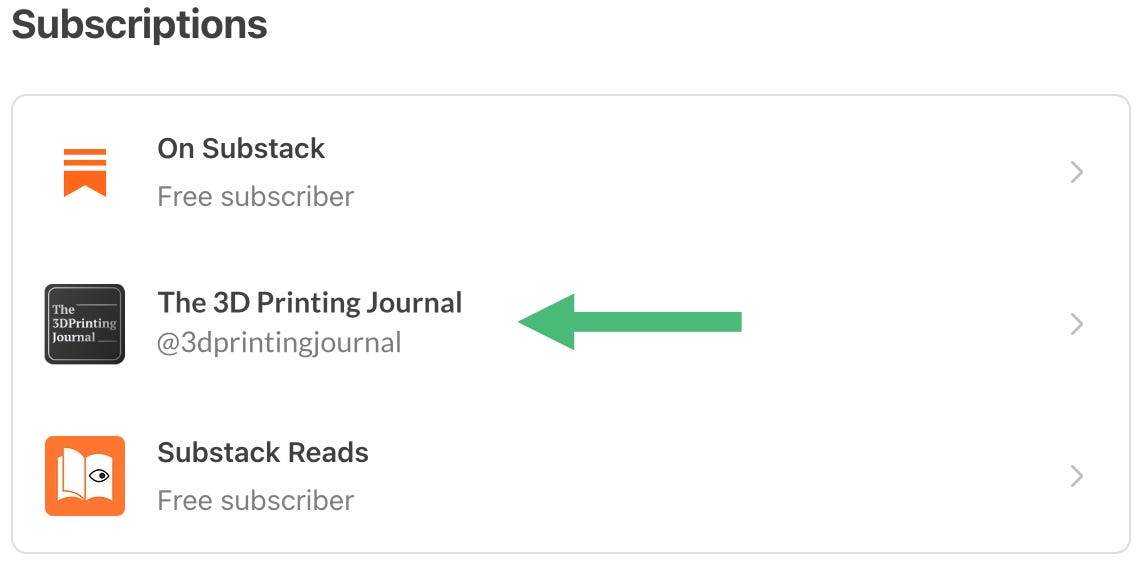
Open the Subscriptions section. Find our subscription and click the menu next to it.
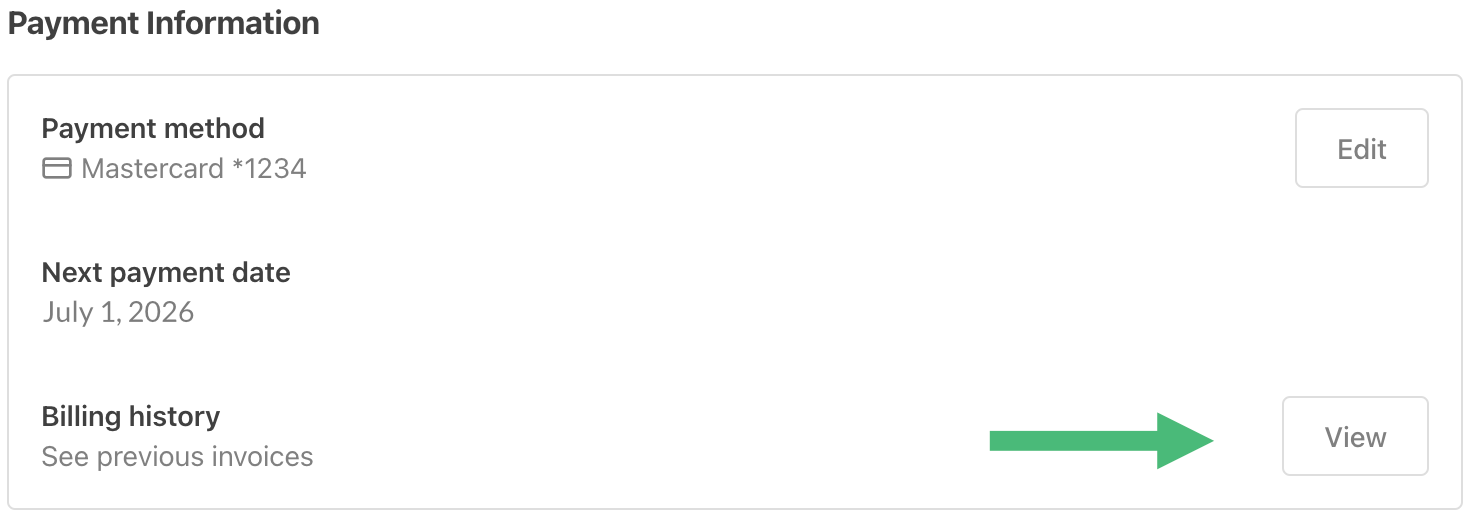
Select View in Billing history.
Click three dots on the right and select View invoice.
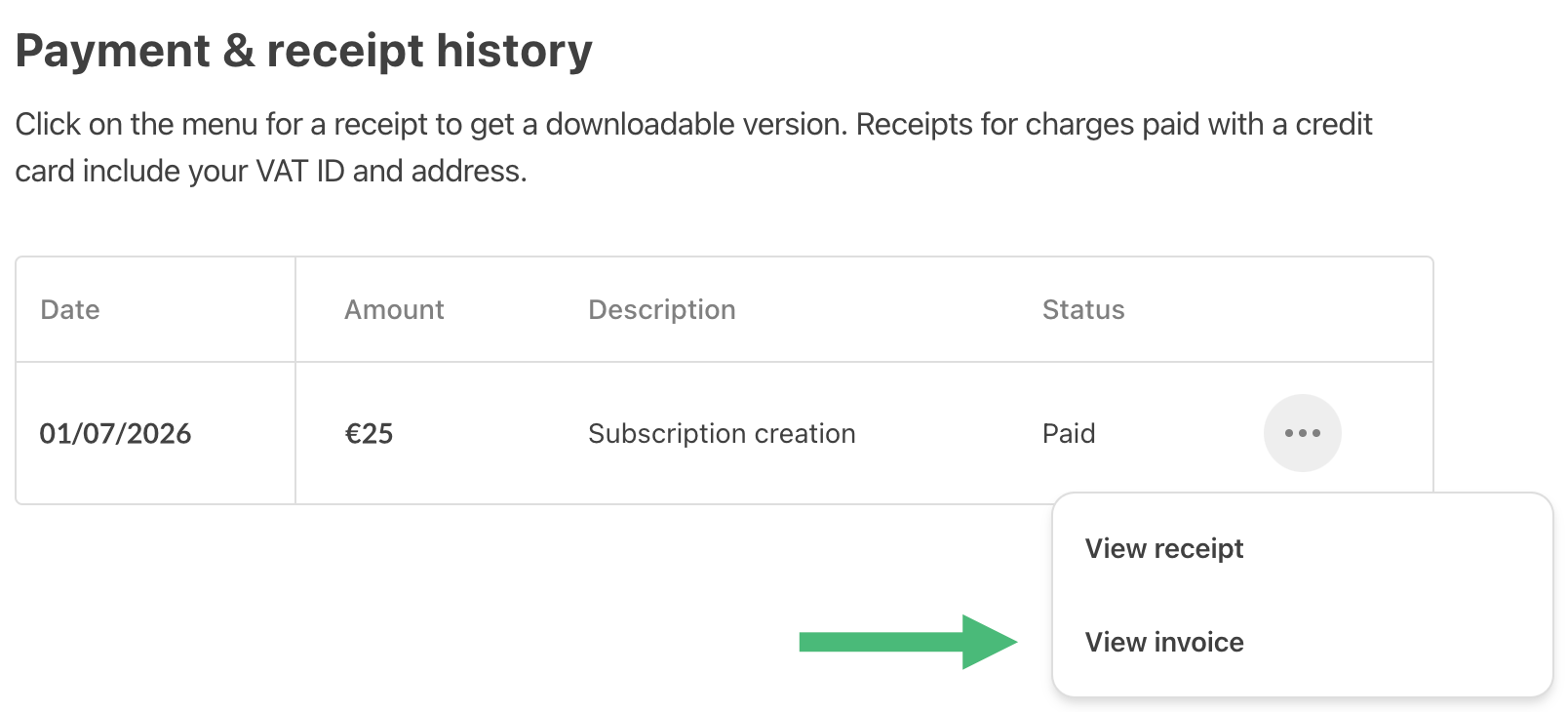
A new tab will open which will show your subscription details from Stripe. Click Download invoice to save a PDF.
If you experience any issues or have questions, please contact us at info@slusarczyk.am and we’ll be happy to help.